Gestalt IT has been hosting Tech Field Day events for more than 10 years and more recently introduced Cloud Field Day. If you want to get a thorough, technical introduction to a technology in the market, these videos can be a great place to start. Vendors present to a crew of about a dozen experts in the field, called delegates. There’s a good deal of friendly, technical back-and-forth between the delegates and the vendor, so watching a video from the event feels more like listening in on a conversation than sitting through a presentation.
We met up with the team from JetStream Software, a software development company based in San Jose, California, to discuss its presentations at Cloud Field Day on disaster recovery (DR) for vSphere environments.
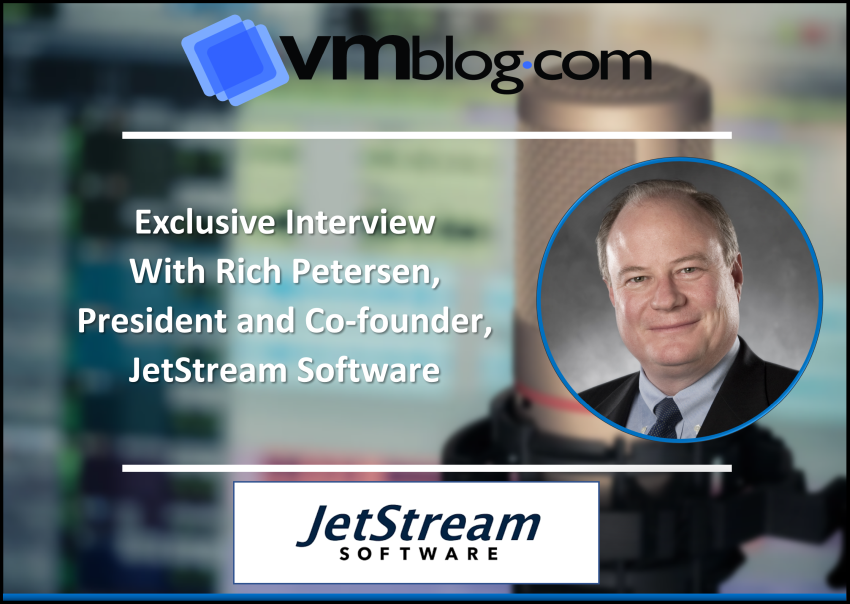
In our first Expert Q&A interview in this series below, we share President and co-founder Rich Petersen’s perspective on the economic and operational benefits of using JetStream for DR in the cloud. Next, we will take a deep dive with Senior Solutions Architect Dennis Bray on use case demos for JetStream DR. And finally, CTO and co-founder Serge Shats shares highlights of Cloud Field Day presentations by JetStream partners Microsoft and NetApp.
To replay the JetStream and partner (Microsoft and NetApp) presentation videos in full, please visit https://techfieldday.com/companies/Jetstream-software.
VMblog: Let’s start with the basics. Who is JetStream Software, and what does your software do?
Rich Petersen: JetStream Software is a software development company based in San Jose, California, with additional engineering in Bangalore, India. Our software, JetStream DR, enables organizations to use the cloud for disaster recovery (DR) for greater efficiency versus legacy approaches.
VMblog: And you are focused on workloads running on VMware vSphere?
Petersen: Yes, that’s right. The workloads we protect are running on VMware vSphere, and the protected environment can be the customer’s own software defined data center (SDDC), or it can be a SDDC that the customer has already migrated to the cloud. In the event of an incident, we’ll recover the protected workloads in the cloud, but we protect both on-prem and cloud-based SDDCs.
VMblog: Let’s talk about the Cloud Field Day event. You had three people from JetStream plus two partners, Microsoft and NetApp. That’s a lot of people!
Petersen: Yes, because we partner closely with AVS and ANF, we definitely wanted to include them in our story. Among the three of us from JetStream, we each bring a different level of expertise, but our fundamental message is the same.
Quite simply, if you employ the cloud for DR with software like ours, it’s now possible to get the same level of data protection and recoverability at less than half the cost. These days, CIOs are telling their teams to find ways to use the cloud to save money. We do that for DR.
VMblog: Before we get into the technology, can you give a layman’s explanation of how that’s possible?
Petersen: Sure. For enterprise-class DR, you need a “warm” recovery site where your failed workloads can resume operations within minutes. That means having extra servers, network, storage, etc., and that’s a lot of expensive infrastructure. The cost of this infrastructure is the primary reason that many organizations don’t have DR or only provide DR for some of their workloads. But the cloud can provide a more economical infrastructure for that failover site in two ways.
First, data storage in the cloud can be far cheaper, thanks to object storage like S3 and Microsoft Azure Blob Store. So, instead of maintaining massive amounts of failover data in enterprise storage arrays, you can spend much less money to store the data that you’ll need if disaster strikes.
Second, cloud service providers like Microsoft AVS let you provision host servers on the fly, and you can have them running in a matter of minutes. So, you don’t need an idle host server in the cloud for every single host in your protected environment. You can spin up the compute resources that you need when you need them. Then when things are back to normal, you can just turn them off.
VMblog: That makes a lot of sense. Why doesn’t everybody do this?
Petersen: DR solutions have been around for a long time, and to a great extent, they predate the profound changes in cloud computing, especially object storage and dynamically provisioned, pay-by-the-minute compute resources. We had the advantage of architecting our platform from day one to operate with that kind of recovery environment.
VMblog: So, is cost savings your fundamental differentiator?
Petersen: It’s the first thing we talk about, because everybody is budget-conscious these days. But when you talk about a solution being “cloud native,” there are other considerations. Specifically, in contrast to solutions designed for on-prem deployment, can the customer administer the DR solution in the cloud despite having relatively more limited access and privileges to the environment?
Also, if we’re talking about hundreds or thousands of VMs being protected, can the solution be configured and administered programmatically? The JetStream software is managed entirely through APIs, so while you can establish protection for a cluster of VMs through the vCenter web client GUI, you could also write scripts that would establish protection for thousands of VMs. Or you could access the software from other programs through our APIs. The cloud is supposed to be scalable.
VMblog: Thanks Rich, this has been a good introduction to our Expert Q&A series on DR in the cloud. Readers can learn more by contacting JetStream Software at www.jetstreamsoft.com. Next up will be Dennis Bray, senior solutions architect with JetStream Software. He will share several use cases from his comprehensive demo at Cloud Field Day.
##