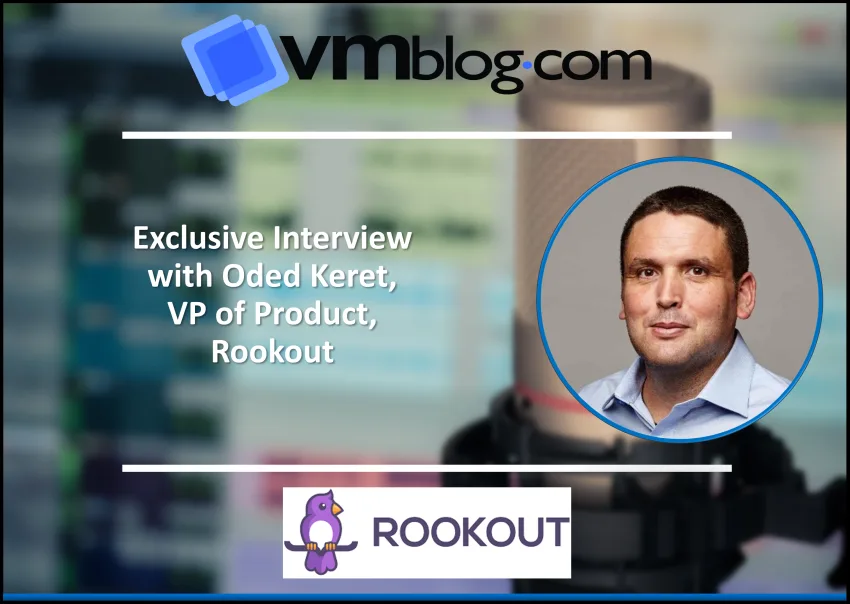
The team at Rookout knows firsthand the actual challenges that developers face daily when debugging in production. And they’ve been providing solutions for developers, created by developers.
The company is back with a new serverless debugging experience. To find out more, VMblog reached out to Oded Keret, VP of Product at Rookout.
VMblog: Rookout is announcing a new serverless debugging experience. How does the new visualization help teams understand their serverless environments?
Oded Keret: The new visualization allows teams to get a serverless-native view of the running application when initiating a debug session. Engineers may view the current state of running serverless functions, slicing and dicing the view to gain insight as to the root cause of a possible production issue.

VMblog: You also announced a better Kubernetes debugging experience not too long ago, so it seems Rookout believes various technologies require their own UI/UX. Can you explain why all of the debugging can’t just happen in a single view?
Keret: Debugging Kubernetes, or debugging traditional server based deployments, is about looking at what’s running now, and selecting an environment or microservice based on the number of pods or containers running at the moment. The transient nature of serverless functions, designed to spin up, run their business logic and tear down in a matter of milliseconds, means that looking at “what is running right now” is insignificant, as the troublesome functions are likely already gone. The new serverless-specific visualization was designed to represent that, showing a historical view of executed serverless functions, rather than a view of currently running pods or containers.
VMblog: Many developers want to debug right in their IDE. Obviously, they won’t have all of these visual experiences there. So how do you recommend developers balance debugging in their IDE versus in Rookout’s web app?
Keret: Debugging in your IDE makes sense when you are running a simplified, local version of the application on your own desktop. Developers enjoy it because it lets them keep seeing their code, which is crucial during a debug session, and because it saves the mental overhead of switching to a different tool. But when things become tricky, developers do switch to another tool. When troubleshooting remote applications they switch to their APM tool, their CICD management application, their logging service and their exception handler. These tools are specialized for handling remote, complex and dynamic applications – the kind of applications that cannot easily be simulated on a developer’s desktop. Rookout provides an experience that is as close to the developer’s IDE as possible, while also providing specialized debugging capabilities for troubleshooting such complex environments. We recommend that developers leverage their IDE when debugging locally, and transition to Rookout when troubleshooting locally is just not feasible.
VMblog: Rookout has been pushing this idea of shift-left Observability. Traditionally, Observability lives in the world of Ops. Why does it need to shift left?
Keret: Observability has always been about seeing how the app is behaving, and making it possible to quickly identify points of failure in a complex environment. Traditionally, developers would be responsible for developing the business logic, while adding log lines, traces and monitoring alerts that would allow Ops teams to identify issues and perform initial analysis, handing the problem back to development once the issue is identified. The transition to Cloud-Native, production-first development methods has to bring the two sides of the team together in order to streamline live application troubleshooting. Ops teams need to have better visibility into the internal business logic of the app, as it is represented in the functional code. They also need the ability to generate new log lines, traces and events without waiting for the dev teams. While dev teams need the ability to see what’s going on in prod, without depending on the Ops teams to provide visibility. Empowering both teams by shifting Observability left will create better collaboration, and will allow Dev and Ops teams to solve issues faster, creating better apps with happier customers.
##