For VMware customers, the conversation has moved well beyond the next renewal. Changes to licensing, packaging and the broader VMware ecosystem are forcing organizations to make decisions about their existing environments at the same time that VCF 9 is introducing a more integrated approach to private cloud. For IT leaders, that creates a much bigger question: Is the goal simply to keep the VMware environment running, or is this the right time to rethink how private cloud fits into the organization’s longer-term infrastructure strategy?
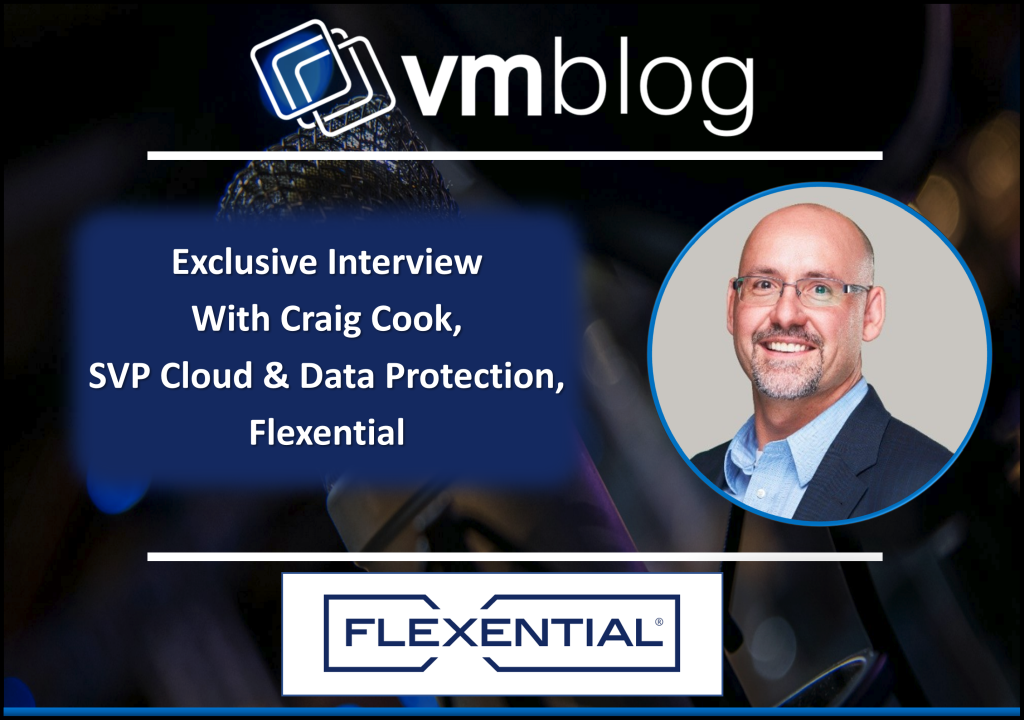
To explore what that decision looks like in practice, VMblog spoke with Craig Cook, SVP Cloud & Data Protection at Flexential. In this Q&A, Cook discusses what is fundamentally different about VCF 9, what VMware modernization should actually accomplish, the operational dependencies organizations often underestimate, and how today’s decisions can help organizations realize more value from their VMware investments while preparing infrastructure for future priorities including automation, Kubernetes and AI.
++
VMblog: Why has the VMware conversation become a much bigger strategic issue for IT leaders today?
Craig Cook: For years, VMware decisions were largely infrastructure decisions. Is the environment performing? Do we have enough capacity? When is the next hardware refresh?
That conversation has changed.
Licensing and packaging changes may have forced organizations to take a closer look, but once they do, much bigger questions tend to surface. What workloads should stay on VMware? What does our private cloud strategy look like going forward? Do we have the people and operational model to support it? How does this fit with everything else happening across hybrid IT?
There’s also a value realization question. VCF brings together capabilities across compute, storage, networking, security, automation and modern applications that organizations may not have been using before. If you’re investing in that broader platform, the question shouldn’t only be what it costs. It should also be how you’re going to use those capabilities to create more value from the environment.
At the same time, IT teams are being asked to support traditional applications alongside cloud-native workloads, greater automation and emerging AI requirements.
That’s why I don’t think organizations should approach this as simply another renewal cycle. The renewal may create the deadline. The real opportunity is deciding what you want the environment to look like on the other side of it and how to get more value from the platform you’re investing in.
VMblog: What is fundamentally different about VCF 9 compared with the VMware environments many enterprises are operating today?
Cook: A lot of the core technology in VCF 9 isn’t necessarily new. vSphere is a mature hypervisor, and capabilities across storage, networking, operations and Kubernetes have existed in different forms for years.
What’s different is how those capabilities are coming together. VMware is moving from a collection of products toward a much more unified private cloud platform, with compute, storage, networking, security, automation and modern application capabilities designed to operate together.
That changes the operating model. Networking can become more self-service and cloud-like. Kubernetes is becoming a native part of the platform rather than something organizations bolt on separately. Lifecycle management and automation can be handled more consistently across the environment. So I wouldn’t look at VCF 9 as simply the next VMware upgrade. The bigger shift is from thinking about VMware primarily as a virtualization platform to thinking about it as a private cloud platform that can support traditional VMs alongside containers, Kubernetes and, increasingly, AI workloads.
VMblog: Before deciding whether and how to move toward VCF 9, what questions should IT leaders be asking about their current environment and longer-term infrastructure strategy?
Cook: I would start with the workloads, not the platform. And before you can make those decisions, you need to know exactly what you have.
Inventory the infrastructure, but don’t stop at clusters and hosts. Understand hardware age and support status, which applications are truly business critical, and their performance, availability, recovery, security and compliance requirements.
What actually needs to remain on VMware? Which applications have strict performance, availability, security or compliance requirements? Which workloads might belong somewhere else over time?
Then look at the operational reality behind that environment. How much time does the team spend patching, troubleshooting and managing lifecycle updates? Where are the capacity constraints? What does disaster recovery look like? Do you have the skills and resources to operate the environment you’re planning to build?
And then pressure-test it against what is coming next. If Kubernetes adoption grows, are you ready for it? If the business wants to deploy private AI, can the infrastructure support the compute, network, storage and data requirements? If demand changes quickly, how easily can you scale?
Those questions tell you much more about the right path forward than starting with a product checklist.
VMblog: What does VMware modernization actually mean beyond simply migrating or upgrading an existing environment?
Cook: A successful migration does not automatically equal modernization.
You can move every workload, check every box and still carry many of the same operational problems into the new environment. If the new environment is just as difficult to manage, just as manual or just as constrained as the one you left, you haven’t really changed much.
Modernization should make something meaningfully better. Maybe that’s lifecycle management. Maybe it’s automation, visibility, resilience or the ability to deliver infrastructure faster. Often, it’s several of those things.
It should also include a hard look at workload placement. Just because an application runs somewhere today doesn’t mean that’s where it belongs for the next five years. Some workloads may make sense in private cloud. Others may be better suited for public cloud, colocation or another environment.
I’m a big believer in preserving optionality. The decisions you make today shouldn’t unnecessarily lock you into one path three or five years from now. Ideally, you’re creating an architecture that allows you to modernize incrementally, move workloads when it makes sense and adopt new capabilities without creating technical debt that’s difficult to unwind later.
The goal isn’t movement for the sake of movement. It’s reducing operational friction today while giving the business more options tomorrow.
VMblog: What are some of the biggest challenges or dependencies organizations tend to underestimate when planning a VMware or VCF modernization?
Cook: One of the biggest mistakes is treating modernization primarily as a migration project.
Moving the workload is only one part of the job. Networking, storage, application dependencies, security policies, backup and recovery, hardware compatibility, licensing and operational processes all come with it. If you don’t understand those dependencies before you start moving workloads, that’s usually where surprises show up.
Skills matter too. An integrated private cloud can simplify operations, but somebody still needs to understand the environment. As organizations begin supporting VMs, containers, Kubernetes and potentially AI infrastructure, those operational requirements can change quickly.
It can also change how teams work. As more networking, storage, compute and operations capabilities come together within the platform, organizations need to think about whether their existing operational silos still make sense.
And then there’s Day 2.
Teams spend a lot of time planning how they’re going to get to the new environment. I encourage them to spend just as much time asking what happens once they get there.
Who patches it? Who monitors it? Who handles lifecycle management? What happens at 2 a.m. when something fails? How do you add capacity six months from now?
Migration gets you there. Operations determine whether it actually works.
VMblog: How should organizations determine whether managing VCF internally or working with a managed cloud provider is the right operating model for them?
Cook: I think about this in terms of capability, control and focus.
There are organizations with deep VMware expertise, mature processes and teams built to operate this infrastructure. They may have good reasons to maintain that control internally.
For others, the question becomes whether operating the platform is really where they want their people spending their time. Private cloud requires ongoing lifecycle management, monitoring, security, capacity planning, troubleshooting and specialized expertise. Those responsibilities don’t disappear after deployment.
So look at the full operating model. Do you have the skills? Do you have the coverage? Can you maintain those capabilities over the next three to five years? And what isn’t your team doing because they’re spending time operating the infrastructure?
Working with a managed cloud provider doesn’t remove the need for internal expertise. It changes where that expertise can be focused. Instead of spending as much time managing the underlying platform, internal teams can focus more of their attention on the applications, data and business priorities the infrastructure is there to support while the provider takes on more of the underlying platform lifecycle and operational burden.
VMblog: How should cyber resilience and disaster recovery factor into a VCF 9 modernization strategy?
Cook: They need to be designed in from the beginning.
I’ve seen transformation projects where teams focus first on standing up the new environment, migrating the workloads and getting everything operational. Recovery gets addressed later.
That sequence creates unnecessary risk.
Modernization is the right time to ask which workloads are truly critical, what their recovery objectives are, where recovery infrastructure will live and how you know recovery will actually work when you need it.
Cyber threats have also changed what “recovery” means. It isn’t enough to prepare for a hardware failure or a site outage. Organizations have to consider ransomware, compromised credentials and situations where the production environment itself may no longer be trusted.
The pace of attack is changing too. As attackers increasingly use automation and AI to identify and exploit vulnerabilities, organizations have less room to defer patching, segmentation and other security decisions that are part of the underlying architecture.
A backup is important, but a recovery strategy goes further. You need confidence that you can restore the applications and data the business depends on, within the timeframe the business expects, and that you’ve tested the process before you’re in the middle of an incident.
If you’re redesigning the environment anyway, resilience should be part of the architecture rather than something bolted on after the fact.
VMblog: For organizations approaching a VMware renewal or infrastructure refresh, how can they address today’s requirements while building a foundation for future priorities such as automation, Kubernetes and AI?
Cook: Solve the problems you have today, but don’t build yourself into a corner.
Most organizations don’t need every capability on day one. They do need to understand whether the infrastructure decisions they’re making now will support what comes next.
That means looking beyond compute. What happens to network requirements as applications become more distributed? Can storage keep pace with new data demands? Can the environment support greater automation? What changes if Kubernetes becomes more important? What happens if an AI pilot becomes a production workload?
AI makes that especially interesting because infrastructure strategy and data strategy are becoming increasingly connected. I’ve said before that it’s often easier to bring AI to your data than it is to bring your data to AI. Organizations need to think about where their data lives, what governance and security requirements apply to it and where AI workloads can operate effectively alongside that data.
VMware AI Factory is a good example of where this is heading. It brings AI infrastructure into the private cloud conversation and gives organizations another option for bringing AI capabilities closer to the enterprise data and applications they already manage.
That doesn’t mean every VMware customer needs to build an AI environment tomorrow. It means the architecture decisions being made today need to leave room for tomorrow.
A renewal or infrastructure refresh creates a natural decision point. Address what the business needs now, but use the opportunity to build an environment that can adapt to whatever comes next.
VMblog: Where can readers learn more or get help evaluating their VMware strategy?
Cook: If you’re approaching a VMware renewal or trying to determine what the right private cloud model looks like going forward, the first step is understanding where you are today.
Flexential’s Cloud Fast-Track Workshop is designed to help organizations assess their current environment, identify requirements and dependencies, and evaluate the options available for what comes next. The goal isn’t to start with a predetermined destination. It’s to give your team a clearer picture of the environment you have today and a practical path forward based on your workloads, priorities and timeline..
If VMware modernization is on your roadmap, that’s a good place to start.
##