The expectations of digital employees have outgrown legacy IT support models. While mobile devices and modern applications have transformed how and where people work, many organizations still rely on outdated, manual processes to manage issues and support users.
Digital Employee Experience (DEX) tools offer a smarter path forward by using automation and data-driven insights to identify, prevent, and resolve issues proactively. As Windows 11 adoption looms and IT teams shrink while workloads expand, automation is becoming essential, not just for efficiency, but for delivering a consistent, high-quality digital experiences at scale. ControlUp Workflows plays a key role in this evolution, enabling organizations to simplify complex processes and embrace a more autonomous approach to IT operations.
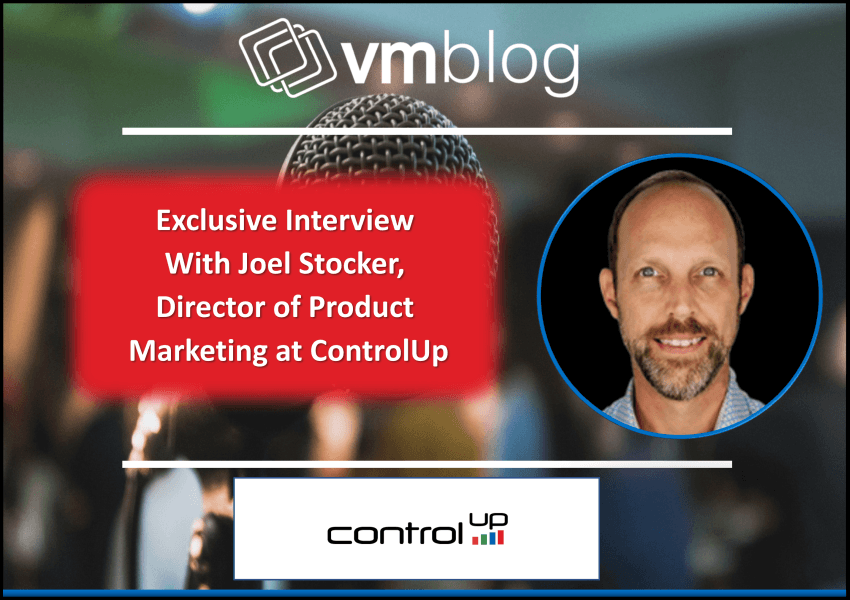
ControlUp Workflows introduces powerful low-code automation to streamline complex IT processes and reduce the burden on technical teams. VMblog spoke with Joel Stocker, Director of Product Marketing at ControlUp, to understand how ControlUp Workflows empowers organizations on their path to autonomous endpoint management.
VMblog: What is ControlUp Workflows, and how does it expand on ControlUp’s existing automation capabilities?
Joel Stocker: ControlUp has included automation in the platform for years, such as alert-based triggers and remediation actions. ControlUp Workflows takes automation a step further. It is a low-code orchestration engine that allows teams to build multi-step processes across ControlUp and third-party tools like ServiceNow, Microsoft Azure, or Teams, without needing to be a scripting expert.
It enables organizations to move beyond reactive fixes and start building proactive, repeatable, and cross-functional automation that aligns with a broader DEX strategy.
VMblog: Who can benefit from ControlUp Workflows, and how do they get access to it?
Stocker: ControlUp Workflows is designed for any IT team looking to simplify operations, reduce manual steps, and scale automation. This includes enterprise IT, desktop support, and service delivery teams. Mid-market organizations in particular can benefit, as they may not already have complex IT service management (ITSM) platforms in place.
ControlUp Workflows is available to customers with certain editions of our desktop and VDI solutions, and it is also included in the ControlUp Platform license. If you’re unsure about your entitlement, your account team can walk you through the details.
VMblog: What kinds of tasks or use cases are ideal for ControlUp Workflows?
Stocker: Any task that touches multiple systems or teams is a good candidate. Think about onboarding or offboarding employees, analyzing a device’s lifespan, or automating repetitive service requests. These processes often involve IT, HR, security, and other departments. With Workflows, you can coordinate those steps automatically, reducing delays and mistakes.
We’re seeing adoption across industries, but it is especially valuable in environments where IT teams are stretched thin and need to standardize operations.
VMblog: How easy is it to get started building a workflow, especially for teams without coding skills?
Stocker: That’s one of the main advantages. ControlUp Workflows uses a drag-and-drop interface on a flexible canvas. You can visually connect steps, add conditions like if-else, manipulate data, and even use AI to analyze logs or generate text. It is intuitive enough for users with minimal automation experience.
We also provide pre-built templates to help teams get started quickly. You can select a template, plug in your integrations, and be up and running fast. For more advanced help, our professional services team and user community are great resources.
VMblog: What integrations are available, and what happens if I need something that’s not out of the box?
Stocker: We’ve expanded our integrations significantly. These include Microsoft services like Azure Virtual Desktop, Entra ID, Exchange, and Windows 365, as well as tools such as ServiceNow, PagerDuty, Zendesk, Jira, and Slack. You can create tickets, send alerts, analyze logs, and much more.
If a specific integration isn’t available yet, you can still connect using a generic API node. That option may require more technical skill, but our community and support resources can help guide you.
VMblog: What are the broader benefits of using workflows, beyond just automation?
Stocker: One key benefit is predictability. ControlUp Workflows ensures that a process happens the same way every time. That eliminates errors, improves response time, and removes bottlenecks between teams. For example, a simple task like resetting a password no longer needs to involve multiple systems or manual notifications. With a workflow in place, it can happen with a single click.
Over time, workflows help organizations become more efficient and shift toward a self-healing, autonomous IT environment.
VMblog: What’s next for ControlUp Workflows?
Stocker: We’re working on new features that make ControlUp Workflows even easier to use and more flexible. One initiative is enabling self-service options so that end users can trigger workflows through a form. For example, a user could request a password reset and kick off the process automatically.
We’re also developing an AI-powered front end. Instead of manually connecting workflow steps, you’ll be able to describe what you want in natural language and let the system generate a draft workflow. You can then fine-tune it as needed. These updates are all about lowering the barrier to entry and helping organizations expand their use of automation quickly.
##
Want to see it in action?
Check out the ControlUp blog post, Step Up Your Automation and Improve IT Operations with ControlUp Workflows, or contact your account team for a live demo.