By George Crump, Analyst
Organizations planning a VMware exit face three obstacles. The first is the license cost itself — Broadcom’s pricing changes have turned what was once a predictable line item into an urgent procurement problem. The second is hardware. The global RAM and flash shortage has driven up server costs and constrained availability, making infrastructure refreshes more expensive and harder to schedule.
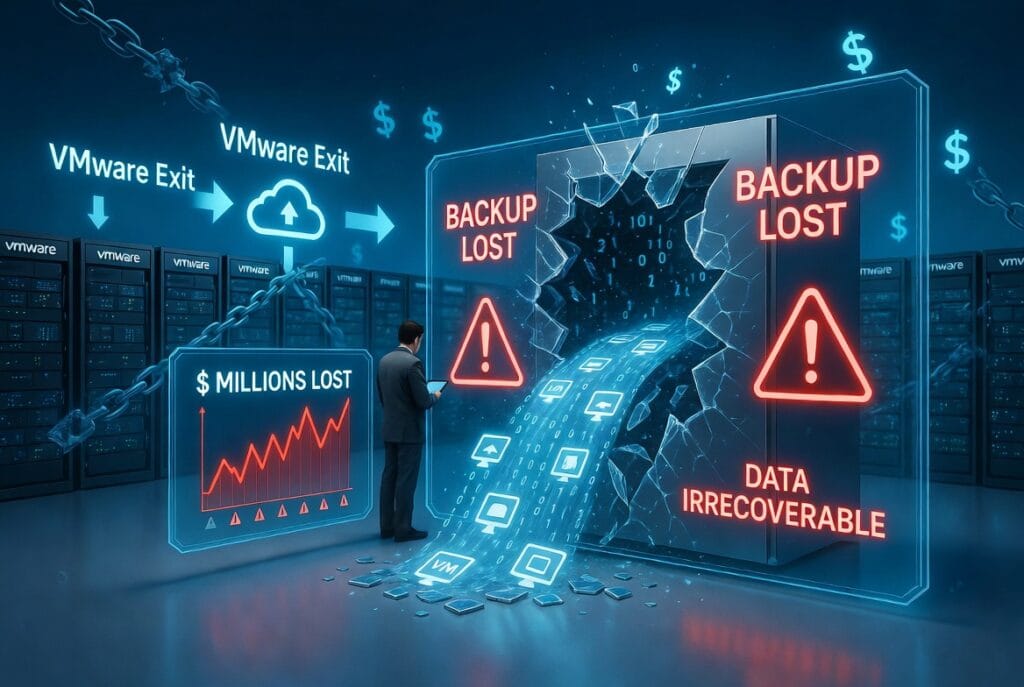
There is a third obstacle that gets far less attention, and it’s the one blocking the door to the exit: backup. Until organizations can answer the backup question, they can’t unlock the savings potential of leaving VMware — or gain the few extra years of life from their existing hardware that a modern hypervisor can deliver.
Backup Is the Silent Blocker
Veeam has become the de facto standard for enterprise data protection of virtual environments, especially VMware. Gartner has named Veeam a Leader in the Magic Quadrant for Backup and Data Protection Platforms for nine consecutive years, and the company reports protecting over 550,000 customers worldwide, including 67% of the Global 2000. It works, operations teams know it inside and out, and entire disaster recovery playbooks are built around it. When an organization considers leaving VMware, the first question from the backup admin isn’t “what hypervisor are we moving to?” It’s “will Veeam still work?”
When the answer is uncertain, projects stall. And stalled projects have real costs that go far beyond the licensing delta between VMware and its alternatives.
Four Costs Nobody Budgets For
Compliance exposure. Most regulated industries — healthcare, financial services, government — have strict requirements around data retention, recovery point objectives, and audit trails. These requirements are typically met through Veeam policies that have been tuned, tested, and documented over years. The moment you migrate VMs to a platform where Veeam can’t follow, every one of those policies is orphaned. You’re not just losing a backup tool. You’re losing compliance posture, and rebuilding it with a different product takes months, not weeks.
Dormant infrastructure. Some hypervisor alternatives meet the demands of the 3-2-1 rule of data protection on their own — with the caveat that everything is protected by the same vendor running production. That’s actually a significant improvement for many VMware exiters and enhances the cost savings of the move. But it also means the existing backup infrastructure — the servers, the storage targets, the deduplication appliances — sits dormant, waiting for the backup software vendor to support the chosen hypervisor. It’s not just about retraining costs. It’s that the investments in people skills and infrastructure hardware go completely unused. The budget was already spent. The value simply evaporates.
Institutional knowledge. A backup platform isn’t just software. It’s the accumulated knowledge of every restore procedure, every SLA negotiation, every compliance audit your team has survived. When you replace Veeam, you’re asking your operations team to rebuild all of that institutional knowledge from scratch — with a product they’ve never used, under the pressure of an ongoing migration. The retraining cost alone is significant. The risk of mistakes during the learning curve is harder to quantify but potentially catastrophic.
Decision paralysis. This may be the most expensive cost of all. Organizations that can’t solve the backup question simply don’t migrate. They stay on VMware, absorb the licensing increases, and tell themselves they’ll revisit the decision next quarter. Meanwhile, the cost basis keeps climbing. Every quarter of delay is another quarter of paying Broadcom’s new rates while the competitive alternatives become more mature, making the eventual migration even more disruptive when it finally happens.
The migration that was supposed to save money becomes more expensive than staying put — and the organization that was supposed to gain agility ends up frozen.
The oVirt Bridge Nobody Expected
What most IT leaders don’t realize is that Veeam has been quietly building support for KVM-based hypervisors through the oVirt management API. This isn’t a hack or a compatibility shim. It’s a deliberate architectural decision by Veeam to ensure their platform works beyond VMware’s ecosystem. The oVirt driver has been part of Veeam’s product for some time — it simply hasn’t gotten much attention because, until recently, there wasn’t a compelling enterprise-grade platform on the other end of it.
That changed with VergeOS. The ultraconverged platform implements the oVirt API set that Veeam’s driver expects, which means Veeam connects to VergeOS the same way it connects to any oVirt-compatible environment — through a standard integration path, not a custom workaround. The result is full Veeam functionality — backup, restore, replication, retention policies — running against VergeOS virtual machines without any modifications to the Veeam infrastructure.
No new backup product to learn. No retraining. No compliance gaps. No parallel environments. The entire data protection stack migrates with the workloads.
Two Layers Are Better Than One
What makes this particularly interesting from an architectural standpoint is the potential for a two-layer data protection model. An oVirt-compatible hypervisor with its own snapshot and replication engine handles availability and large-scale recovery at the infrastructure level, while Veeam handles granular recovery and long-term retention at the application level. These aren’t competing tools — they’re complementary layers that give operations teams both the broad-stroke recovery they need for disaster scenarios and the surgical precision they need for individual file or application restores.
This two-layer model can actually improve an organization’s data protection posture relative to where they were on VMware alone. It’s one of the few cases where a migration makes the backup story better, not worse.
The Cost of Hesitation
The real cost of losing your backup during a VMware exit isn’t measured in licensing fees or retraining hours. It’s measured in months of indecision, quarters of overpaying for a platform you’ve already decided to leave, and the compounding organizational drag of a migration that never quite gets off the ground.
The technology to preserve your Veeam investment through a VMware exit exists today. It deploys in under an hour. It requires no custom integration. The question is no longer whether you can keep Veeam. It’s how much longer you’re willing to pay for the assumption that you can’t.
To learn more, watch our on-demand webinar: oVirt Backup with Veeam and VergeOS.
##
ABOUT THE AUTHOR
George Crump is the Resident Analyst at VergeIO, where he focuses on infrastructure modernization, data protection strategy, and the evolving competitive dynamics of the virtualization market. He brings decades of experience analyzing storage and data management technologies for enterprise IT decision-makers.